오늘은 android build 방법은 gradle plugin의 새 버전 일 때 만나는 오류 메시지 하나에 대한 이야기를 적어 봅니다.
이전까지 정상적으로 잘 빌드 되었던 프로젝트 이기는 하나... 어느 순간에 이런 오류가 발생됩니다. ㅠㅠ ;;
Manifest merger failed : Attribute property#android.adservices.AD_SERVICES_CONFIG@resource value=(@xml/ga_ad_services_config) from [cohttp://m.google.android.gms:play-services-measurement-api:21.5.1] AndroidManifest.xml:32:13-58
is also present at [cohttp://m.google.android.gms:play-services-ads-lite:22.6.0] AndroidManifest.xml:92:13-59 value=(@xml/gma_ad_services_config).
Suggestion: add 'tools:replace="android:resource"' to <property> element at AndroidManifest.xml to override.

구글링을 통해서 검색을 해 보면 나오는 문제 해소 하는 방법을 참고 하여 수정해 봅니다. 수정할 부분은 manifest.xml 에
property을 추가하면 된다는 이야기를 찾을 수 있었습니다. 그래서 다음과 같이 manifest을 수정했습니다.
<?xml version="1.0" encoding="utf-8"?>
<manifest xmlns:tools="http://schemas.android.com/tools"
    xmlns:android="http://schemas.android.com/apk/res/android">

    <uses-permission android:name="android.permission.ACCESS_COARSE_LOCATION" />
    <uses-permission android:name="android.permission.ACCESS_FINE_LOCATION"/>
    <uses-permission android:name="android.permission.INTERNET" />

    <application
        android:allowBackup="true"
        android:icon="@mipmap/ic_opdigang_v1"
        android:label="@string/app_name"
        android:roundIcon="@mipmap/ic_opdigang_v1_round"
        android:supportsRtl="true"
        android:networkSecurityConfig="@xml/network_config"
        android:theme="@style/Theme.OpdGang1127">

        <meta-data
            android:name="com.google.android.geo.API_KEY"
            android:value="@string/API_KEY" />

        <meta-data
            android:name="com.google.android.gms.ads.APPLICATION_ID"
            android:value="@string/APP_ID"/>

        <activity
            android:name=".MapsActivity"
            android:exported="false"
            android:label="@string/title_activity_maps" />
        <activity
            android:name=".MainActivity"
            android:exported="true"
            android:windowSoftInputMode="adjustNothing">
            <intent-filter>
                <action android:name="android.intent.action.MAIN" />

                <category android:name="android.intent.category.LAUNCHER" />
            </intent-filter>
        </activity>

        <property
            android:name="android.adservices.AD_SERVICES_CONFIG"
            android:resource="@xml/gma_ad_services_config"
            tools:replace="android:resource" />

    </application>

</manifest>
이제 다시 빌드를 시도해 봅니다.
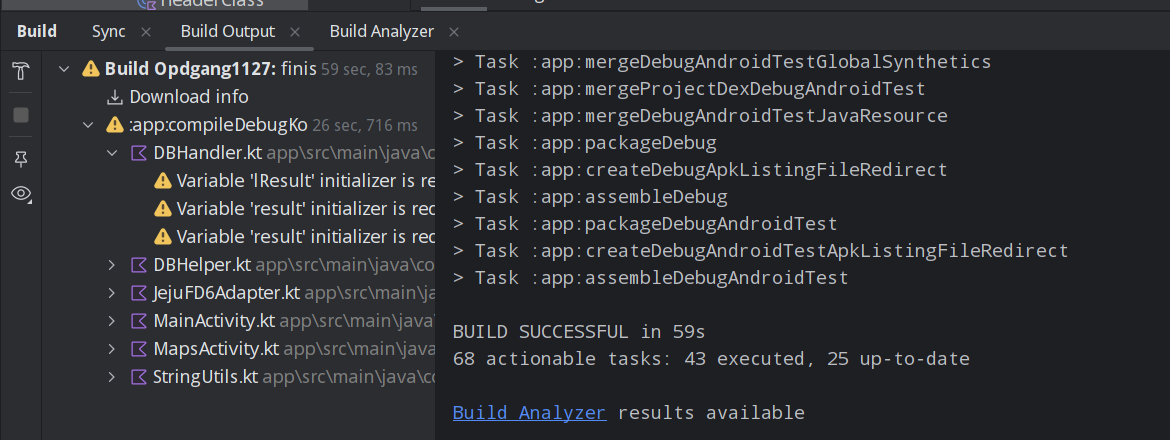
이상 입니다. 깔끔하죠???


댓글 없음:
댓글 쓰기