#billcorea #운동동아리관리앱 🏸 Schneedle, aplikasi yang wajib dimiliki oleh klub bulu tangkis! 👉 Match Play – Rekam Skor & Temukan Lawan 🎉 Sempurna untuk di mana saja, sendirian, bersama teman, atau di klub! 🤝 Jika Anda suka bulu tangkis, cobalah
setContent { val navController = rememberNavController() MultiChat416Theme { // A surface container using the 'background' color from the theme Surface( modifier = Modifier.fillMaxSize(), color = MaterialTheme.colors.background ) { Scaffold( bottomBar = { BottomNavigationBar(navController) } ) { innerPadding -> var paddingValues = innerPadding Navigation(navController) } } } } }
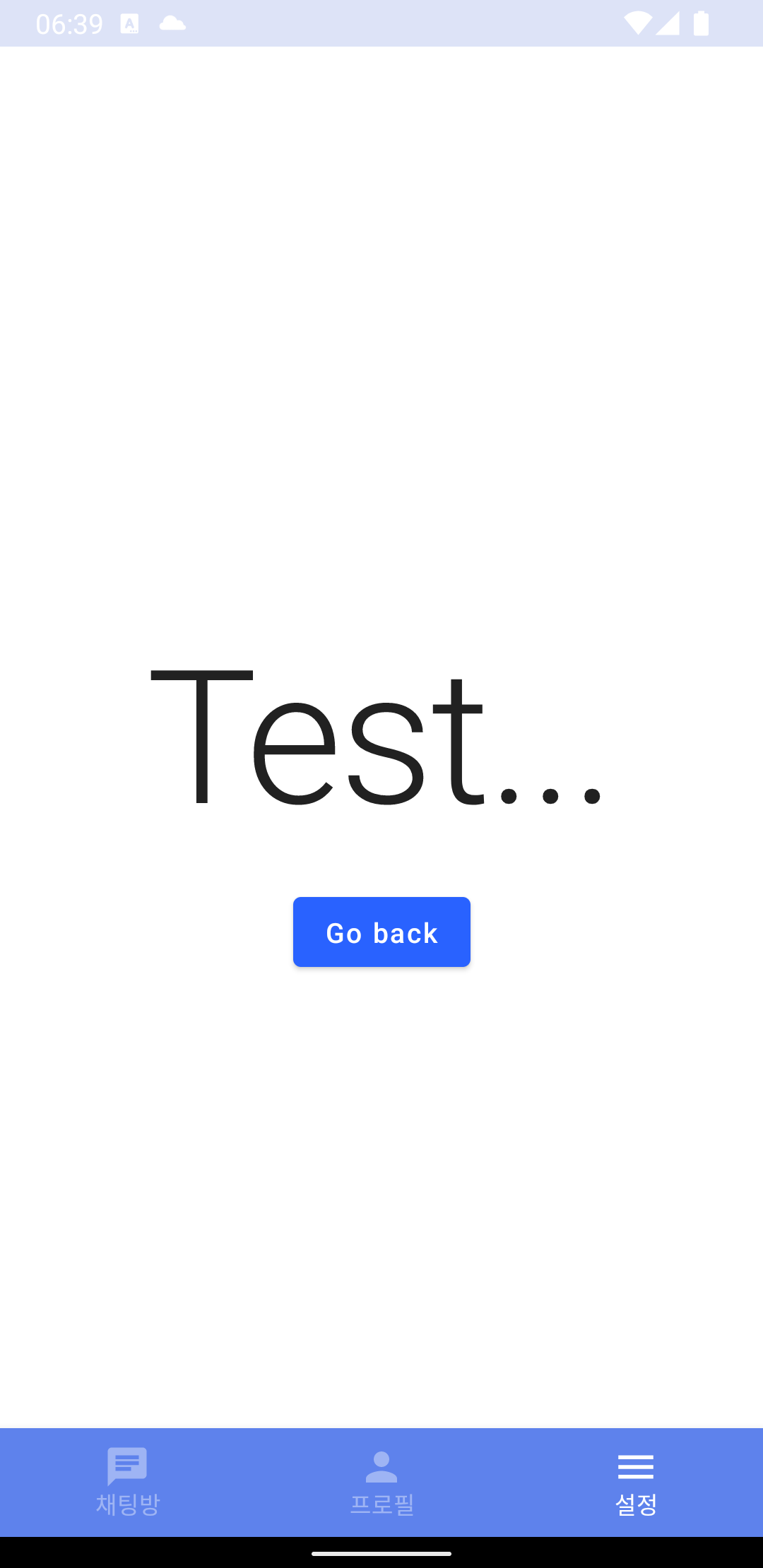
Navigation 의 구현은 아래와 같이 했는데, NavigationItem 의 route 도 string 으로 구현 되어 있으니, 그것을 이용해 아래와 같이 구현 했다. navigation 이 찾아갈때, route 을 이용해서 찾아가니, 위치에 따라 잘 구현을 해야 한다.
그리고 아래 부분에는 navigation button 을 클릭 했을 때에 따라서 화면에 표시 하는 부분은 그대로 따라하기를 하였으며
title 의 표시 부분만 일부 수정을 해 보았다.
navigation 을 클릭했을 때 동작은 아래 보이는 Navigation 함수에서 처리를 하면 된다.
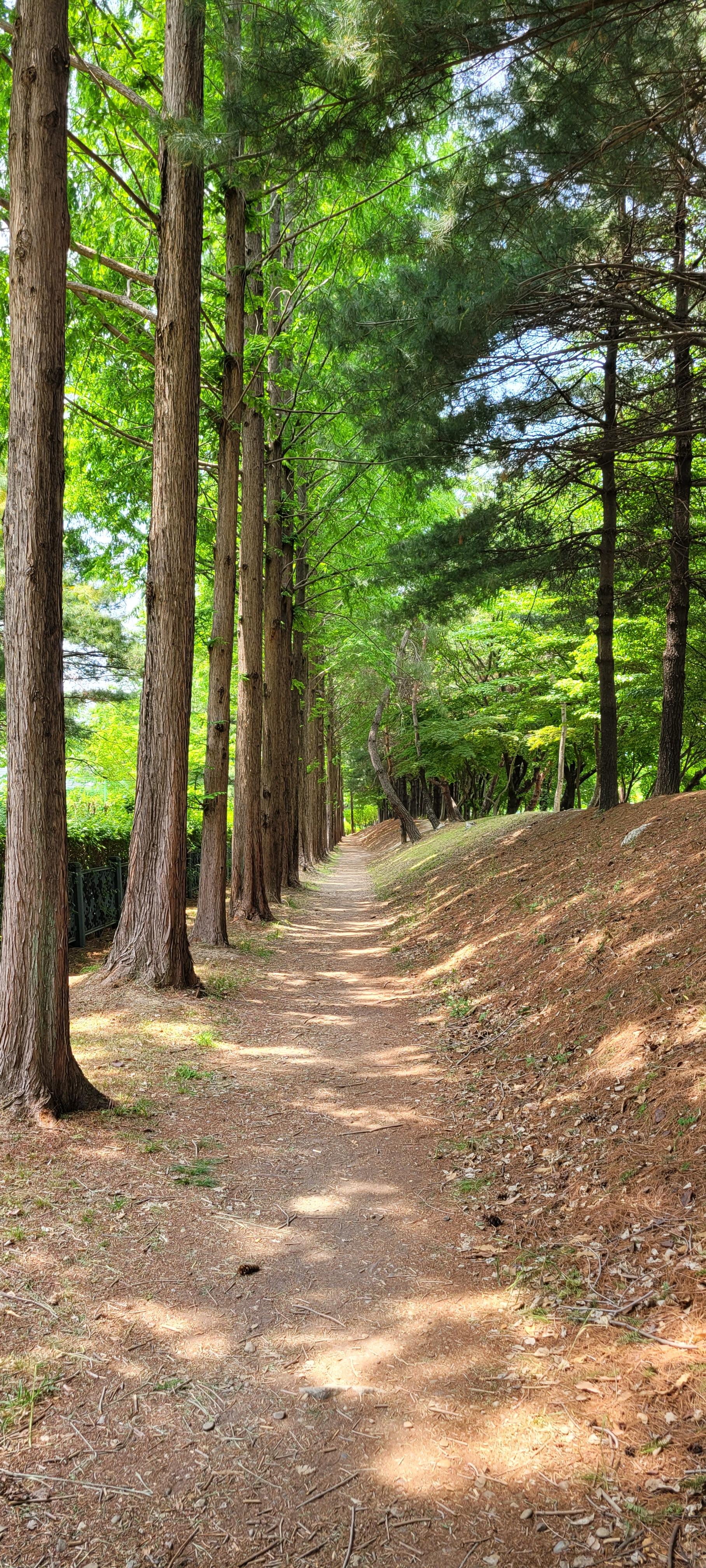
점심을 먹고 나서면 이제 제법 낮볓이 뜨겁다. 청사가 가까이에 있어 주변에 조성된 숲길(?)이 이제 제법 시원하게 느껴 지기도 한다. 점심을 먹고 나면 잠깐 낮잠이 오히려 필요한 것 같은 요즘이기는 하나, 갈수록 무거워지는 몸을 지탱하기 위해 오늘도 길을 나섰다. 그래봐야 이제 두달을 조금 넘겨가고 있는 것 같으나, 무거워져 가는 몸뚱이는 변함이 없다.
크~ 오늘 저녁에도 회식이라는 핑계(?)로 마음을 추스리며 한가득 뱃속을 채우고 돌아 왔으니, 가벼워지길 바라는 것은 아무래도...
내일도 난 나의 몸이 가벼워지길 바라며, 길을 나서겠지만... 언제쯤 일까 ? 아직 잘 알 수는 없다.
빌드 타입에 따라서 debug 모드에서는 빌드 되는 시간을 절약하기 위해서 설정을 넣지 않았고, release 모드에서 설정이 되도록 추가하였다.
다음은 proguade-rules.pro 파일에 설정을 추가 하였다.
# Add project specific ProGuard rules here.
# You can control the set of applied configuration files using the
# proguardFiles setting in build.gradle.
#
# For more details, see
#   http://developer.android.com/guide/developing/tools/proguard.html

# If your project uses WebView with JS, uncomment the following
# and specify the fully qualified class name to the JavaScript interface
# class:
#-keepclassmembers class fqcn.of.javascript.interface.for.webview {
#   public *;
#}

# Uncomment this to preserve the line number information for
# debugging stack traces.
#-keepattributes SourceFile,LineNumberTable

# If you keep the line number information, uncomment this to
# hide the original source file name.
#-renamesourcefileattribute SourceFile

# Add this global rule
-keepattributes Signature

# This rule will properly ProGuard all the model classes in
# the package com.yourcompany.models.
# Modify this rule to fit the structure of your app.
-keep public class com.bill...........databean.** { *; }
-keep public class 뒤에 따라오는 건 내 project 의 package 이름의 경로라고 보면 된다. databean 아래에 있는 모든 class는 난독화를 하지 않겠다고 하는 것이다.
데이터 저장된 예시
코드 난독화가 된 이후에도 database 구조는 구현된 이름 그대로 저장 되어 있는 것을 볼 수 있었다. 이것으로 난독화를 했을 때 야기될 수 있는 문제점에 대한 이해와 그 해결에 대한 정리를 마무리해 두어야겠다.