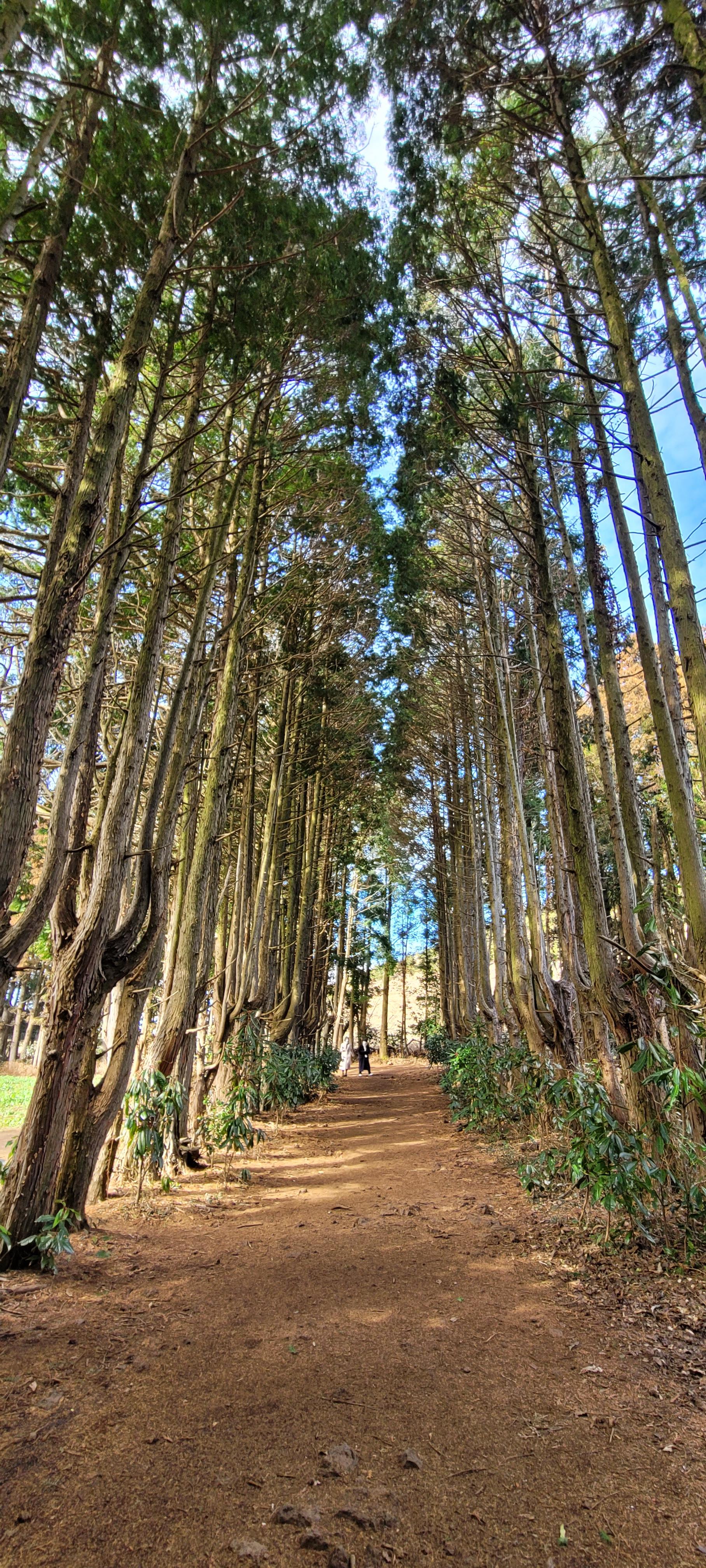

비밀의 숲
비밀 스럽지는 않았어
겨울이라 춥고
딱 이천원어치 값어치
https://ssaurel.medium.com/create-a-blur-effect-on-android-with-renderscript-aa05dae0bd7d
Create a Blur Effect on Android with RenderScript
In image processing, a Blur Effect, also known as Gaussian Blur, is the result of blurring an image by applying a Gaussian function. The…
ssaurel.medium.com
먼저 출처를 밝혀본다... 앱안에 이미지를 넣을껀데... 이미지을 흐릿하게 만들고 싶을 경우가 있을 것 같다. 이걸 구현하는 예제를 찾았다. 그래서 잠시 옮겨 볼까 한다. 먼저 글쓴이분에게 심심한 감사를 표하며... 따라하기를 해 보겠다.
gradle 파일에 추가하기...
plugins {
    id 'com.android.application'
    id 'com.google.gms.google-services'
    id 'com.google.firebase.crashlytics'
}

android {
    ...

    compileSdkVersion 32
    defaultConfig {
        applicationId "com.nari.notify2kakao"
        minSdkVersion 26
        targetSdkVersion 32
        versionCode 21
        versionName '1.2.4'
        testInstrumentationRunner "androidx.test.runner.AndroidJUnitRunner"

        renderscriptTargetApi 18
        renderscriptSupportModeEnabled true
    }
    ....
}

dependencies {

    ...
}
renderscript 을 이용하는 것이라고 하는데... 2줄 추가 했다.
renderscriptTargetApi 18
renderscriptSupportModeEnabled true
다음은 blur 처리하는 class 을 하나 만들어 보겠다.
import android.content.Context;
import android.graphics.Bitmap;

import androidx.renderscript.Allocation;
import androidx.renderscript.Element;
import androidx.renderscript.RenderScript;
import androidx.renderscript.ScriptIntrinsicBlur;

public class BlurBuilder {

    private static final float BITMAP_SCALE = 0.6f;
    private static final float BLUR_RADIUS = 15f;

    public static Bitmap blur(Context context, Bitmap image) {
        int width = Math.round(image.getWidth() * BITMAP_SCALE);
        int height = Math.round(image.getHeight() * BITMAP_SCALE);
        Bitmap inputBitmap = Bitmap.createScaledBitmap(image, width, height, false);
        Bitmap outputBitmap = Bitmap.createBitmap(inputBitmap);
        RenderScript rs = RenderScript.create(context);
        ScriptIntrinsicBlur intrinsicBlur = ScriptIntrinsicBlur.create(rs, Element.U8_4(rs));
        Allocation tmpIn = Allocation.createFromBitmap(rs, inputBitmap);
        Allocation tmpOut = Allocation.createFromBitmap(rs, outputBitmap);
        intrinsicBlur.setRadius(BLUR_RADIUS);
        intrinsicBlur.setInput(tmpIn);
        intrinsicBlur.forEach(tmpOut);
        tmpOut.copyTo(outputBitmap);
        return outputBitmap;
    }
}
이건 뭐 그냥 복붙 이라... ㅋ
다음은 나의 activity 에 추가해 본다. layout 에는 imageview 을 하나 넣었고, activity 에서는 다음과 같이 만들어 이미지를 넣어 보았다. 참 그전에 이미지를 넣을 bitmap 파일을 하나 drawable 밑에 추가해 주어야 한다.
    @Override
    protected void onCreate(Bundle savedInstanceState) {
        super.onCreate(savedInstanceState);
        binding = ActivityWithDrawView2Binding.inflate(getLayoutInflater());
        setContentView(binding.getRoot());

        ...

        Bitmap mango = BlurBuilder.blur(this, BitmapFactory.decodeResource(getResources(), R.drawable.mango));
        ImageView imageView = findViewById(R.id.imageView2);
        imageView.setImageBitmap(mango);

       ....

    }
우히... 이렇게만 코딩을 해 주면 다음과 같은 이미지의 변화를 볼 수 있다. 먼저 원본 이미지...
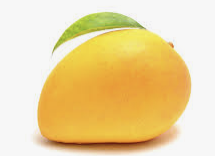
그 다음은 앱에 들어간 이미지는 어떻게 ???
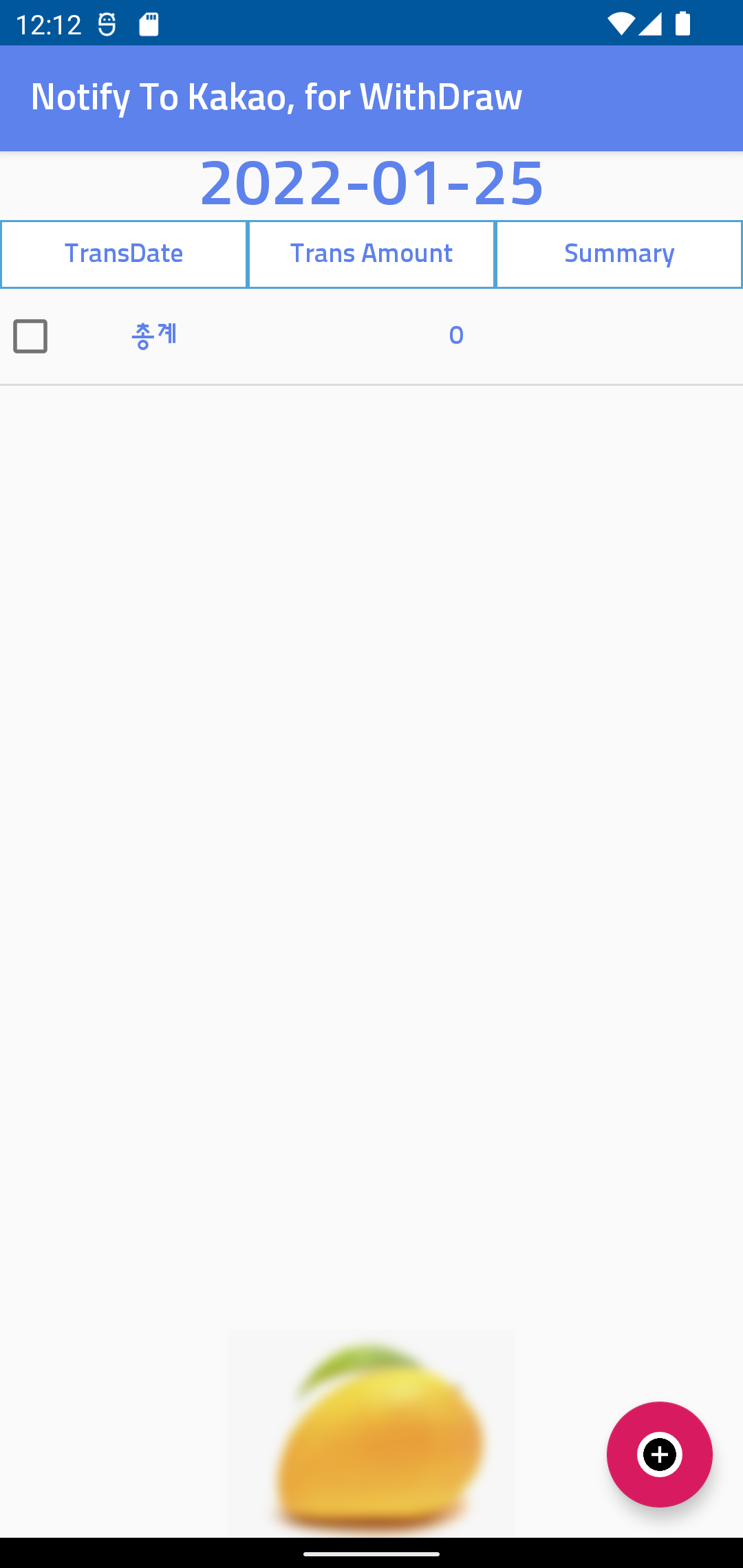
깔끔했던 망고(?)가 흐릿하게 보인다...
또 하나의 이미지 새로운 처리 방법을 알게 되어 기쁘다...
아래 링크는 위 출처의 원본 : 배워야할 것들이 있어서 일단... 링크 keep !!!
https://medium.com/sampingan-tech/implementing-glassmorphism-in-android-app-e73a2fd83b80
Implementing Glassmorphism in Android App
Glassmorphism getting more popular, but how can we implement it in a real app? Especially on the android app. Let's talk about it.
medium.com
어느날 받은 메일함이 기억나서 오늘도 나는 admob center 을 열어 보았다. ㅠㅠ;; 아니나 다를까 또 다른앱의 정책 위반 이야기가 나와 있다.

이번엔 무엇 때문에 이런일이 생길것인가 ??? 내용은 뭐 말 그대로
1. 의도하지 않은 광고 유도
2. 광고프레임 크기 변형
1번의 경우는 어떤때 발생하는 가 ? 아마도 변형된 Toast 때문에 발생한다고 보인다. 앱을 종료할 떄 알림을 주기 위해서 Toast 을 변형하고 그 안에 광고를 넣었다. 그랬더니 앱이 종료를 시도 할 떄 Toast 가 노출 되지만, 실제 앱이 종료된 이후에도 잔상(?)이 남아 있게 되면, 그것을 의도하지 않은 광고 유도 라고 판단하는 것 같다.
2번의 경우는 광고 프레임 변형 이라고 하는데, 그건 아마도 layout 배치를 하는 과정에서 banner 광고를 사용하고 있는데, banner 광고의 전체가 노출 되지 못하도록 layout 을 구성해서 그런것으로 이해가 된다.
그런걸 정리해야 하는 시기가 된 것이다.
그래서 오늘도 난 ... 밤을 보내고 있다. ㅋ~